Updated: November 6, 2026 · By the HomeHDR Team.
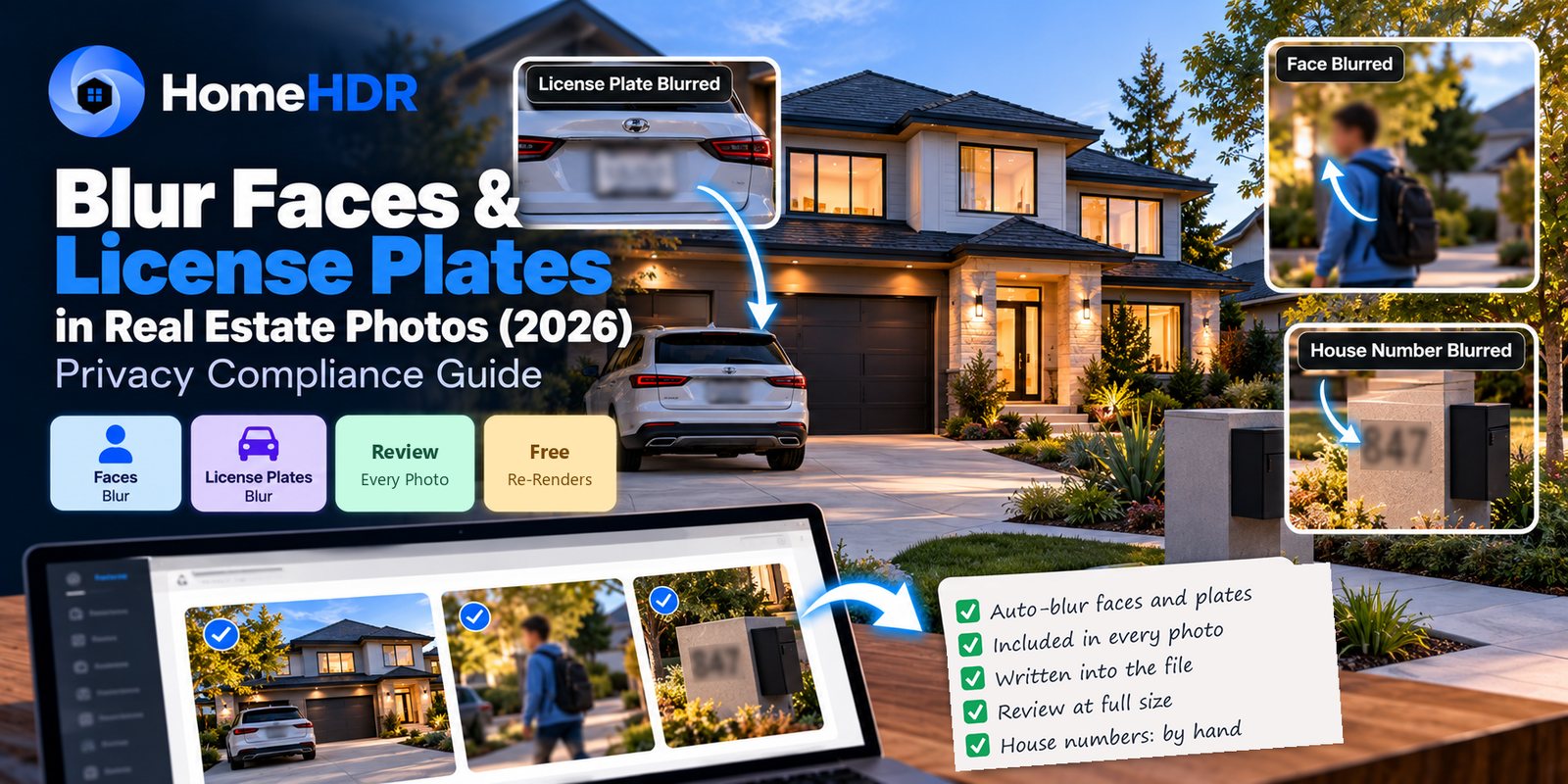
Quick answer: Blur any recognizable face and any readable license plate before a listing photo goes out. We found no federal law that requires it. The firmer rules come from your MLS: CRMLS allows people only when they are unidentifiable and incidental, and NTREIS bars people and license plates. Rules differ by board, so check yours. Blurring a passerby or a visiting car doesn't change how the property is represented, so it should sit outside California's AB 723, though blurring part of the property itself is a different question. In HomeHDR, Blur Sensitive finds faces and license plates automatically and is included in the per-photo price of $0.36–$0.55. House numbers, mail and family photos are a manual job. Check every photo at full size before you publish it.
You know the shot. The exterior came out clean, and back at the desk you spot the plate on the car in the driveway and a neighbor walking through the middle of the frame. The car has gone and the light won't come back, so the fix happens in post.
This guide covers what to blur, what the rules really say, and how to make a blur that holds up.
Is it legally required to blur faces and license plates?
Direct answer: Usually not by statute. We found no federal law that requires blurring in listing photos. The rules that bite are your MLS rulebook, your brokerage's policy and, on a rented home, the lease.
Some laws get quoted on this topic that don't really apply:
- License plates. A plate visible from the street is generally not protected information. The federal Driver's Privacy Protection Act limits what DMV records can be released. It doesn't make a plate in a photo illegal.
- New York's SHIELD Act. This is a data security and breach notification law. It isn't a rule about listing photos.
Faces are less clear-cut. Using a recognizable person's likeness in advertising can raise right-of-publicity questions, and those vary by state. That's a question for your broker or lawyer. It's also the best reason to treat blur as the default, since a blur costs you almost nothing and a complaint from a neighbor costs a lot more.
What do MLS rules say about people and plates?
Direct answer: Many boards restrict people in photos, and some name license plates too. There's no national rule, so your local rulebook decides.
Two examples we could confirm:
| MLS | What it says | Source |
|---|---|---|
| CRMLS (California) | Photos may not show people, animals or other items not directly related to the listing. People are allowed only when they are both unidentifiable and incidental | CRMLS compliance FAQ, CRMLS compliance blog |
| NTREIS (North Texas) | Bars photos that include people, especially children, and photos that show license plates | MetroTex compliance tips |
Rulebooks change, so read the current version for your board before relying on either line. Notice that CRMLS treats a person as a problem unless they can't be identified. A blurred face helps with that, but a figure that takes up half the frame still isn't incidental. Some boards may want the person gone altogether, or the photo reshot.
CRMLS also treats "for sale" signs in photos as branding, which it prohibits. For the rest of the technical and disclosure rules, see the MLS photo requirements guide.
What should you blur in a listing photo?
| Item | Blur it? | Notes |
|---|---|---|
| Recognizable faces | Yes | Passersby, occupants, and anyone caught in a mirror or window |
| License plates | Yes | Driveway cars and cars parked on the street |
| Family photos | Yes, or take them down | Ask the occupants to put them away before the shoot |
| Mail, documents, prescriptions | Yes, or move them | Moving them is faster than any edit |
| Computer screens | Yes, or switch them off | A TV Blackout handles televisions |
| Alarm panels and security codes | Yes | Easy to miss in a hallway |
| Names on mailboxes | Yes | A surname is a personal detail |
| The neighbor's house number | Your call | It's low risk, but a quick job |
| The subject home's house number | Usually no | The listing already publishes the address |
The last row is worth a moment. Blurring the home's own number protects nothing, because the address is on the page beside the photo. It can also make the home harder to recognize from the street.
The best blur is the one you never need. Before the shutter fires, ask the occupants to move cars, put away photos and clear the mail. A two-minute walk-through saves you more time than any tool.
Does blurring need disclosure under AB 723?
Direct answer: For a passerby or a visiting car, it shouldn't. For anything that's part of the property, or visible from it, take more care.
California's law covers images altered to "add, remove, or change elements in the image." Its list includes fixtures, the facade, and elements visible from the property, such as neighboring properties. It excludes common adjustments that "do not change the representation of the real property."
The statute doesn't mention blur. Our reading:
- A stranger's face or a car's plate: neither is part of the property, so the representation of the property doesn't change.
- A number on the home's facade or on the house next door: these are closer to the list, so a cautious broker may want a disclosure.
There's also a catch. When an image does count as altered, the law requires a link to the original, unaltered image, and that original shows whatever you blurred. If you're ever in that position, reshoot or crop instead of blurring. This is our reading and not legal advice, so ask your broker about anything borderline. The AB 723 guide walks through other edits.
Outside California, NAR's Code of Ethics still applies to REALTORS®: Article 12 requires a true picture in advertising. Hiding a stranger's face doesn't misrepresent a home. Hiding damage behind a blur would.
How to blur by hand in Photoshop
Use this for anything automatic detection doesn't cover.
- Select the area. Use the Lasso or Marquee tool, and select slightly more than you need.
- Soften the edge. A small feather stops the selection reading as a hard box.
- Apply the blur. Use Filter > Blur > Gaussian Blur, or Filter > Pixelate > Mosaic. There's no magic radius because it depends on the file size, so raise it until the text can't be read.
- Flatten and export. Use File > Export > Export As, as a JPEG with metadata set to None. A JPEG holds no layers, but a PSD or layered TIFF keeps your unblurred pixels, so never send one of those.
- Check it. Open the exported JPEG and zoom in to at least 100%. If you can make out even part of a plate, go again.
For a plate or a document, a heavy mosaic or a solid patch is safer than a light blur, because faint text can sometimes be worked out from what's left.
How to blur automatically in HomeHDR
Automatic blur is a single switch. Blur Sensitive finds faces and license plates and blurs them during the render.
- Upload your photos. Single frames or bracketed sets both work.
- Turn on Blur Sensitive for the batch. You can also turn it on for one photo later, in the editor.
- Review every photo at full size. Detection isn't perfect. Look hardest at faces in shadow or in profile, faces in mirrors and glass, and plates at a steep angle.
- Fix what's left. Changing your enhancements and rendering again is free once a photo has been made. For a specific spot, use Re-edit by Prompt or Magic Eraser, which cost one touch-up credit each ($1.60–$2.50). You can also finish the job in Photoshop.
The blur is written into the finished photo, so nobody who downloads it can peel it off. It is not a layer.
Common mistakes
- Trusting detection without looking. Automatic blur saves time, but the review step is still yours.
- A blur that's too light. If a plate is unreadable as a thumbnail but readable at full size, it hasn't been hidden. Check at 100%.
- Forgetting reflections. Mirrors, windows, TV screens and polished appliances can all show a face, including yours.
- Blurring the whole street. Blur what's readable. A row of smudged cars draws the eye to the edit.
- Sending a layered file. Share flattened JPEGs only.
- Blurring out a defect. Privacy edits are for people and personal details. Damage to the home isn't private information. See the object removal guide for where that line sits.
Where HomeHDR fits
Blur Sensitive is one option among the edits in a normal render, alongside HDR merge and window pull.
- What it finds automatically: faces and license plates.
- What it doesn't handle automatically: house numbers, mail, documents and family photos. Treat those as manual jobs.
- Control: one on/off switch, per batch or per photo. There's no strength setting and no list of targets to choose from.
- Pricing: included in the normal $0.36–$0.55 per photo, with no per-blur fee.
- Re-renders: free once the photo has been made.
- Retention: your files are kept for 20 days from creation, then deleted from active storage.
- Try it: 15 free edits, no credit card.
What HomeHDR won't do: decide whether a borderline photo meets your MLS rules. That judgment stays with you and your broker.
Key takeaways
- We found no federal law requiring blur. Your MLS rulebook and brokerage policy are what count.
- CRMLS allows people only when unidentifiable and incidental, and NTREIS bars people and plates. Check your own board.
- Blur recognizable faces, plates, family photos, mail, screens and alarm panels. Leave the subject home's own house number alone.
- A stranger's face or a car's plate shouldn't trigger AB 723. Blurring part of the property or a neighboring home is less clear, so ask your broker.
- Export a flattened JPEG, and check it at 100% or more.
- Blur Sensitive handles faces and plates only. Everything else is a manual job.
Frequently asked questions
Do I legally have to blur faces and license plates in listing photos? We found no federal law that requires it. The real rules are in your MLS rulebook, your brokerage policy and any lease on the home. Some boards restrict people and plates directly, so check yours.
Does blurring a listing photo need AB 723 disclosure? Blurring a passerby or a visiting car shouldn't, because neither changes how the property is represented. The statute doesn't mention blur, so if the blur touches the home or a neighboring property, ask your broker.
Should I blur the house number on the home for sale? Usually not. The address is already in the listing, so the blur protects nothing. A house number on a neighboring home is your call.
How much blur is enough for a license plate? Enough that no character can be read at full size. Open the exported JPEG, zoom to at least 100% and look. A heavy mosaic or a solid patch is the safest choice.
Can a blur be reversed? A flattened JPEG holds no hidden layer to switch off. A light blur on large text can sometimes be guessed at, which is why a heavy blur is worth the extra seconds. Layered PSD and TIFF files keep the original pixels, so don't share those.
Does HomeHDR blur house numbers and documents automatically? No. Blur Sensitive finds faces and license plates. Handle house numbers, documents, mail and family photos yourself, or better, move them before the shoot.
Will automatic blur catch every face? No detection is perfect. Faces in shadow, in profile or in a reflection are the ones to check. Review every photo at full size before you publish it.
Can I choose which faces or plates get blurred? Not with the switch, which is either on or off for the photo. To leave one thing sharp or to blur one extra spot, turn it off and edit that photo by hand.
Is it better to remove a person than to blur them? Often, yes, if your MLS doesn't allow people at all. A blurred figure can still break that rule. Reshooting is the cleanest fix, and the object removal guide covers the alternatives.
Does the blur cost extra in HomeHDR? No. It's part of the normal per-photo price of $0.36–$0.55, however many faces or plates are in the frame. Touch-up tools such as Re-edit by Prompt use touch-up credits.
Turn on Blur Sensitive and let HomeHDR handle the faces and plates while you review the rest. Start with 15 free edits, no card required.
By the HomeHDR Team.
Keep reading
- Blur Sensitive Info in HomeHDR: Protect private details by softly blurring sensitive information.
- HDR Bracket Settings for Real Estate Photography (2026): How Many Brackets and What Interval
- TV Screen Replacement in Real Estate Photos (2026): Fixing Black, Glaring and Reflective TVs
- MLS Photo Requirements 2026: AI Disclosure, Editing Rules & Compliance Guide