Updated: November 3, 2026 · By the HomeHDR Team.
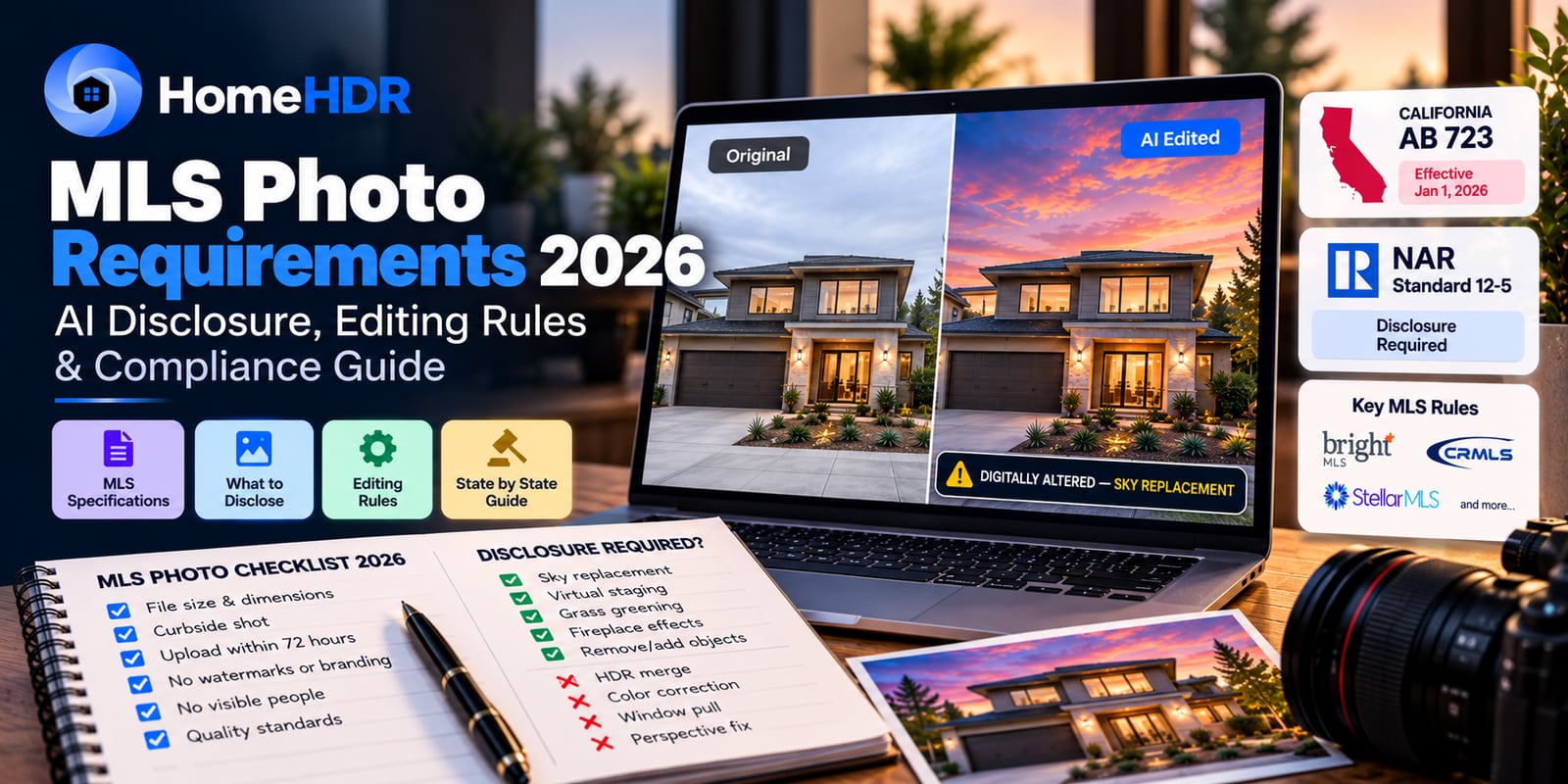
Quick answer: In 2026, MLS photo rules split into two layers. The technical rules (file size, dimensions, curbside shot, 72-hour upload) are set by each MLS (Bright, CRMLS, Stellar) and haven't changed much. The disclosure rules have changed a lot. California's AB 723 (effective January 1, 2026) and NAR Standard 12-5 now require you to label any image where AI or Photoshop was used to change what the property physically looks like: sky replaced, grass added, wires removed, room virtually staged, fireplace lit. Standard photography enhancement (exposure, white balance, cropping, perspective correction, HDR merging, window pull) does not require disclosure. If you get it wrong in California, the fine is $250 per violation and liability sits with the listing agent and broker. Wisconsin follows in January 2027; 38 states have some form of rule. This guide covers exactly what triggers disclosure, what doesn't, and the per-MLS specs so you can list without second-guessing.
You uploaded the listing yesterday. The photographer's edits look clean: a slightly warmer sky, no trash cans in the driveway, a lit fireplace in the great room. Six months ago, none of that was a question. In 2026, some of those edits now need a disclosure label under California law, some of them fall under NAR's national standard, and some don't need anything at all, and the difference isn't obvious from looking at the photo.
This isn't a fear piece. The rules are learnable and the penalties are small if you're paying attention. But the line between "enhancement" (fine) and "alteration" (disclose) is the entire game, and photographers, agents, and MLS admins are all still catching up. This guide walks through what the rules actually say, how they translate to the edits you're already making, and how to file a compliant listing without slowing anyone down.
What do MLS photo requirements cover in 2026?
MLS photo requirements are the technical, quality, and now disclosure rules each MLS enforces for the images on a listing. In 2026 they cover four layers: technical specs (file size, dimensions, count, upload window), quality standards (no blown windows, no motion blur, no watermarks), content rules (curbside shot required, no visible people, no branding), and disclosure requirements for any image that's been altered to change what the property physically looks like.
Not every MLS is identical, but the technical layer is roughly consistent. What's changed in 2026 (and where most compliance issues now happen) is the disclosure layer. That's where AB 723, NAR Standard 12-5, and the 38 states with their own rules all live.
What is California AB 723, and who does it apply to?
Direct answer: AB 723 is a California law that took effect January 1, 2026. It requires any real estate broker, agent, or person acting on their behalf to clearly disclose when a listing image has been digitally altered to change what the property physically looks like, and to give buyers access to the original, unaltered version. The disclosure has to be conspicuous, placed on or next to the image, and can be text, a URL, or a QR code linking to the original.
The important details:
- Who's covered: brokers, salespersons, and anyone acting on their behalf: that includes the photographer, the editing service, and the marketing agency.
- What counts as a "digitally altered image": any image where photo-editing software or AI has been used to add, remove, or change physical elements of the property. Adding grass, removing wires, replacing the sky, virtually staging a room, digitally lighting a fireplace, all in.
- What the disclosure has to say: the image must be marked "altered," "digitally altered," "AI altered," or a similar term. Placement has to be reasonably conspicuous: a caption next to the image, a watermark on the image itself, or a clear line in the listing description all qualify.
- The original access requirement: buyers must be able to see the unaltered original. In practice this means a link, URL, or QR code on the listing page. Some MLSs (Bright, CRMLS) also require you to keep the originals on file.
- The penalty: $250 per violation. Not catastrophic, but it stacks per image on a big listing.
- Where liability sits: on the listing agent and broker. Not the photographer. The photographer's contract may push liability back their way, but statutorily it's the licensee on the hook.
Who this doesn't apply to (yet): AB 723 is a California statute. If you're listing in Florida, Texas, Washington, or New York, parallel state statutes now apply; see the AB 723 edit-by-edit disclosure guide for the full state-by-state ripple table and the per-edit disclosure call. NAR Standard 12-5 still binds every REALTOR® regardless of state, and it's substantively similar.
What NAR Standard 12-5 requires (the national baseline)
Direct answer: NAR Standard 12-5 extends the Code of Ethics' "true picture" requirement to digital images. Any REALTOR® who alters a listing photo in a way that materially changes what the property looks like must clearly disclose the alteration. Enhancement (color correction, exposure, sharpening, perspective, HDR merging) is explicitly not considered material. Adding furniture to an empty room, replacing a sky, or removing a permanent fixture is.
The mechanics:
- What triggers disclosure: any edit that could reasonably mislead a buyer about the physical state of the property. Virtual staging, sky replacement, seasonal grass swaps, digital removal of permanent structures, day-to-dusk conversion.
- What doesn't: exposure, white balance, HDR blending, window pulls, perspective correction, sharpening, cropping, minor blemish removal (a stray cord, a light switch smudge).
- How to disclose: NAR recommends a watermark on the image itself ("Virtually Staged") plus a clear line in the listing description. Either alone is defensible; both together is the safest.
- Applies to: every REALTOR® in every state. If you're a NAR member, this is binding regardless of what your state or MLS says.
- State laws layer on top: California and Wisconsin have their own statutes. As of 2026, 38 states have adopted some form of explicit disclosure requirement, some stricter than NAR, some looser.
What counts as "digitally altered": the edit-by-edit breakdown
This is where the practical questions come up. Here's the honest rundown, organized by the edits real estate photographers and agents are actually making.
| Edit | Disclose? | Reason |
|---|---|---|
| HDR merge (bracket blend) | No | Standard exposure blending; property looks the same |
| Window pull (recover exterior view from bracketed exposures) | No | Same as HDR: no physical element changed |
| Exposure, brightness, contrast correction | No | Enhancement, not alteration |
| White balance / color correction | No | Enhancement |
| Perspective / vertical line correction | No | Enhancement |
| Cropping | No | Enhancement |
| TV screen replacement (black rectangle → neutral image) | No | Cosmetic, not a property change |
| Removing trash cans, cars, or transient clutter | No | Not a physical property feature |
| Removing a cord, light switch smudge, minor blemish | No | Cosmetic |
| Sky replacement (grey day → blue sky, clouds added) | YES | Changes what the property view looks like |
| Grass greening or seasonal swap | YES | Changes the landscape |
| Virtual staging (adding furniture) | YES | Adds physical elements |
| Virtual renovation (new paint, floors, cabinets) | YES | Changes property condition |
| Twilight / day-to-dusk conversion | YES | Changes appearance materially |
| Fire added to a fireplace | YES | Adds a physical element |
| Removing a permanent fixture (satellite dish, window AC, shed) | YES | Misrepresents property condition |
| Neighbor's power lines removed | YES | Changes property view |
| Ceiling fan / fixture swap | YES | Changes physical condition |
The rule of thumb: if a buyer would form a different impression of the physical property from the edited photo vs. the original, you disclose. Everything else (the workflow you're already doing in Lightroom or through AI HDR editing) is not affected.
What edits DON'T require disclosure: read this section
This is the part that gets missed and it causes real anxiety in the market. The routine editing you're already doing does not require disclosure. Specifically:
- Shooting HDR brackets and merging them into a balanced exposure is not disclosure-triggering. That's exposure blending, explicitly excluded under both AB 723 and NAR 12-5.
- Recovering the view outside a window from bracketed exposures (the "window pull") is not disclosure-triggering. Same principle.
- Correcting the color cast of a room lit by tungsten + daylight + LED is not disclosure-triggering.
- Straightening the vertical lines of a hallway is not disclosure-triggering.
- Blacking out a TV screen or replacing it with a neutral image is not disclosure-triggering.
- Removing a garden hose, a stray shoe, or a trash bin is not disclosure-triggering (these aren't part of the property).
If your workflow is HDR merging, window pulls, color correction, perspective, and light retouching, you're doing 2026-compliant work with no disclosure changes required. Where the compliance work starts is the moment you swap a sky, stage a room, or change what the buyer would see when they physically visit.
MLS-by-MLS: the technical specs that still matter
Beyond the disclosure layer, each MLS still enforces its own technical and content rules. Here are the numbers for the three biggest and the general pattern for the rest.
| MLS | Region | Max file size | Max photos | Curbside required | Alteration policy |
|---|---|---|---|---|---|
| Bright MLS | Mid-Atlantic (DC, MD, VA, PA, NJ, DE, WV) | 20 MB | 50 | Yes: first upload | Clear labeling + access to original |
| CRMLS | California | 15 MB | 100 | Yes | Identify altered images + keep originals on file (AB 723 layer) |
| Stellar MLS | Florida | 10–15 MB | Varies | Yes | Disclaimer required; no edits that misrepresent condition |
| REcolorado | Colorado | 10 MB | 50+ | Yes | NAR 12-5 baseline |
| Northstar MLS | MN, WI | 15 MB | 60 | Yes | NAR 12-5 baseline (Wisconsin Act 69 in 2027) |
| HAR | Texas (Houston) | 10–15 MB | 50 | Yes | NAR 12-5 baseline |
Photo dimension standards (universal minimums):
- Minimum: 1024 × 768 pixels.
- Recommended for 2026: 2048 × 1536 pixels (better resampling on portal galleries; larger frames read better on 6.7" and 6.9" phones which are now dominant).
- Aspect ratio: 4:3 for most MLSs. Some accept 3:2.
Universal content prohibitions (every major MLS):
- No superimposed text, agent branding, logos, or watermarks on the primary listing photos (post-hosted images are different).
- No visible yard signs.
- No people, pets, or vehicles in the primary shots.
- No blurry, out-of-focus, or motion-blurred images.
- No dark rooms, blown-out windows, or extreme shadows on the primary set.
Upload window:
- Bright MLS: interior + exterior media within 72 hours of entry, unless in "Coming Soon" status or with an explicit written waiver.
- Most other MLSs: within 24–72 hours of active status.
How to display the disclosure: practical examples
The rule says "reasonably conspicuous." That's flexible on purpose, but here are the four patterns that hold up cleanly in both AB 723 and NAR audits.
Option 1, On-image watermark. A small text overlay in a corner of the image reading "Digitally altered" or "Virtually staged." Cleanest option for the image itself; some MLSs require this for virtual staging specifically.
Option 2, Caption text. Directly beneath or next to the image in the listing description: "Photo 4: Sky digitally altered. Original available on request." Works everywhere. Best when the same alteration doesn't apply to every image.
Option 3, Listing-description disclosure. A single sentence in the property description: "Images marked with an asterisk () have been digitally altered. Original photos are available at [URL/QR]."* Combined with per-image marking. NAR-recommended for virtual staging.
Option 4, QR / URL to original. Required in California under AB 723 for altered images. Best implementation: a small QR code embedded in the image corner, or a URL in the listing description that links to a public gallery of the unaltered originals.
The safest 2026 approach is Option 1 + Option 4 together, watermark on the altered image, QR/URL to originals in the listing. This satisfies AB 723, NAR 12-5, and virtually every state statute.
What happens if you don't comply?
Direct answer: in California, AB 723 sets a civil penalty of $250 per violation, enforceable by the state's real estate regulator. Beyond fines, non-compliance can trigger licensing action, MLS board sanctions, and (in cases of willful misrepresentation) civil suits from buyers who feel misled. Liability sits on the listing agent and broker, not the photographer.
Practically, the enforcement pattern so far in California has been complaint-driven: a buyer notices something in-person that doesn't match the listing photos, files a complaint, and the disclosure question comes up in the investigation. It's not proactive scanning by regulators, at least yet. But every complaint that lands in front of the DRE now includes a photo-disclosure check.
Wisconsin's Act 69 (effective January 1, 2027) uses a similar civil-penalty structure. The remaining 36+ states with explicit rules mostly rely on their real estate commissions to enforce, with penalties ranging from written warnings to license suspension for willful violations.
Beyond the legal layer, the harder cost is trust. A buyer who feels tricked by a listing photo is a buyer who tells their friends and leaves a review. In 2026 that's a bigger problem than the $250.
How HomeHDR handles disclosure-triggering edits
Not every real estate photo editing feature triggers disclosure: most don't. Here's the honest per-feature breakdown for HomeHDR specifically, so you know before you upload.
| HomeHDR feature | Disclosure needed? | Notes |
|---|---|---|
| HDR Merge (3–8 bracket blend) | No | Standard exposure blending |
| Window Pull | No | Same as HDR: no property change |
| Perspective Correction | No | Enhancement |
| Blur Sensitive Info (faces, plates, house numbers) | No | Privacy edit, not property alteration |
| TV Screen Blackout / Replacement | No | Cosmetic, not physical property |
| Removals (cords, reflections, clutter) | Depends: transient clutter no; permanent fixture yes | Ask yourself: would the buyer see it if they visited? |
| Sky Replacement | YES | Property view change |
| Grass Greening | YES | Landscape change |
| Fire in Fireplace | YES | Adds a physical element |
| Virtual Twilight (day-to-dusk) | YES | Appearance change |
The workflow most working photographers are moving to in California specifically: use the routine features (HDR, window pull, perspective, TV, transient removals) without any disclosure overhead, and use the property-change features (sky, grass, fireplace, twilight) with a clear "digitally altered" watermark and a QR code linking to the originals in the listing. It's a small change to the delivery workflow and it fully covers AB 723.
HomeHDR makes the split explicit in the export step: the routine edits export unmarked, and the property-change edits export with a "digitally altered" watermark and a link URL in the metadata that you can drop straight into the listing. Turnaround is under 5 minutes per photo, pricing is $0.36–$0.55, and the first 15 edits are free with no credit card.
Key takeaways
- Two layers matter in 2026: the technical MLS rules (file size, dimensions, upload window, curbside shot) and the disclosure rules (AB 723 in California, NAR 12-5 nationally, 38 states with their own).
- What triggers disclosure: anything that changes what the property physically looks like: sky, grass, virtual staging, fire in fireplace, twilight, removing permanent fixtures.
- What does NOT trigger disclosure: HDR, window pulls, exposure, white balance, perspective, cropping, TV screen fixes, removing transient clutter. This is 90% of what you're already doing.
- The safe display pattern: watermark the altered image + link/QR to the original in the listing description.
- California penalty: $250 per violation under AB 723. Liability sits on the listing agent and broker.
- Trust is the bigger cost: the fine is small; the buyer complaint that follows a bad edit isn't.
Frequently asked questions
Does HDR editing require MLS disclosure? No. HDR is standard exposure blending, combining multiple exposures of the same scene into one balanced image. It doesn't change what the property physically looks like, and it's explicitly excluded from disclosure requirements under both California's AB 723 and NAR Standard 12-5.
Does a window pull count as a "digitally altered" image? No. A window pull recovers the view outside from bracketed exposures: it's an exposure technique, not a property alteration. Same category as HDR. No disclosure required.
Do I have to disclose sky replacement on an MLS listing in California? Yes. Under AB 723, effective January 1, 2026, sky replacement is a digital alteration that changes the property view. The image must be labeled ("altered," "digitally altered," or similar) with a link, URL, or QR code to the original photo.
Does removing a trash bin from an exterior shot require disclosure? No. A trash bin isn't a physical feature of the property: it's transient clutter. Removing it (or a car in the driveway, or a garden hose) does not trigger disclosure under NAR 12-5 or AB 723. Removing a permanent fixture like a satellite dish, window AC, or shed does.
What's the difference between "enhancement" and "alteration" in real estate photography? Enhancement changes how the photo looks, exposure, color, sharpness, perspective. Alteration changes what the property looks like: added furniture, replaced sky, removed structures. Enhancement doesn't require disclosure; alteration does.
What if my photographer or AI editor makes the alteration without telling me? Legal liability under AB 723 still sits on the listing agent and broker, not the photographer. Ask your photographer or editing service to flag which images have property-changing edits. Any competent 2026 workflow separates the two on delivery.
Does virtual staging always need disclosure? Yes. Under NAR Standard 12-5, virtual staging (adding furniture to an empty room) is a material alteration and requires disclosure. Best practice is a watermark on the staged image reading "Virtually Staged" plus a line in the listing description.
Is there a national federal rule on AI-altered real estate photos yet? Not yet. As of September 2026, the rules are state-level (California, Wisconsin) plus NAR's national ethics standard for REALTOR® members. Federal legislation has been discussed but not passed.
What are the MLS photo dimension requirements in 2026? Minimum is 1024 × 768 pixels. Recommended is 2048 × 1536 pixels: larger images resample better in portal galleries and on modern phone screens. Aspect ratio: 4:3 for most MLSs.
How many photos should a real estate listing include? The MLS caps vary: Bright MLS allows 50, CRMLS allows 100, most others fall between 40 and 60. The buyer-engagement sweet spot for a standard single-family listing is 25–35 photos. Under 15 signals neglect; over 45 fatigues buyers.
What's the deadline to upload photos to the MLS after a listing goes active? Bright MLS requires photos within 72 hours of entry unless in "Coming Soon" status. Most other MLSs use a 24–72 hour window. Late uploads can trigger MLS board fines and hurt search ranking on portal feeds.
Handle the compliance layer without adding steps to your workflow. HomeHDR separates routine edits (no disclosure needed) from property-change edits (auto-watermarked and linked to the original) at export, so you get one clean delivery ready for the MLS. Try 15 free edits, no card, and every guarantee HomeHDR offers applies from your first upload.
By the HomeHDR Team.
Keep reading
- Sky Replacement in HomeHDR: Swap a flat, washed-out sky for one that makes the exterior sell.
- Fireplace Fire in HomeHDR: Light an empty grate so a winter listing feels warm and lived-in.
- AB 723 for Real Estate Photographers (2026): The Edit-by-Edit Disclosure Guide
- Sky Replacement in Real Estate Photography (2026): MLS Disclosure, AI Workflow and Cost
- Object Removal in Real Estate Photos (2026): What Is Safe and What Needs Disclosure