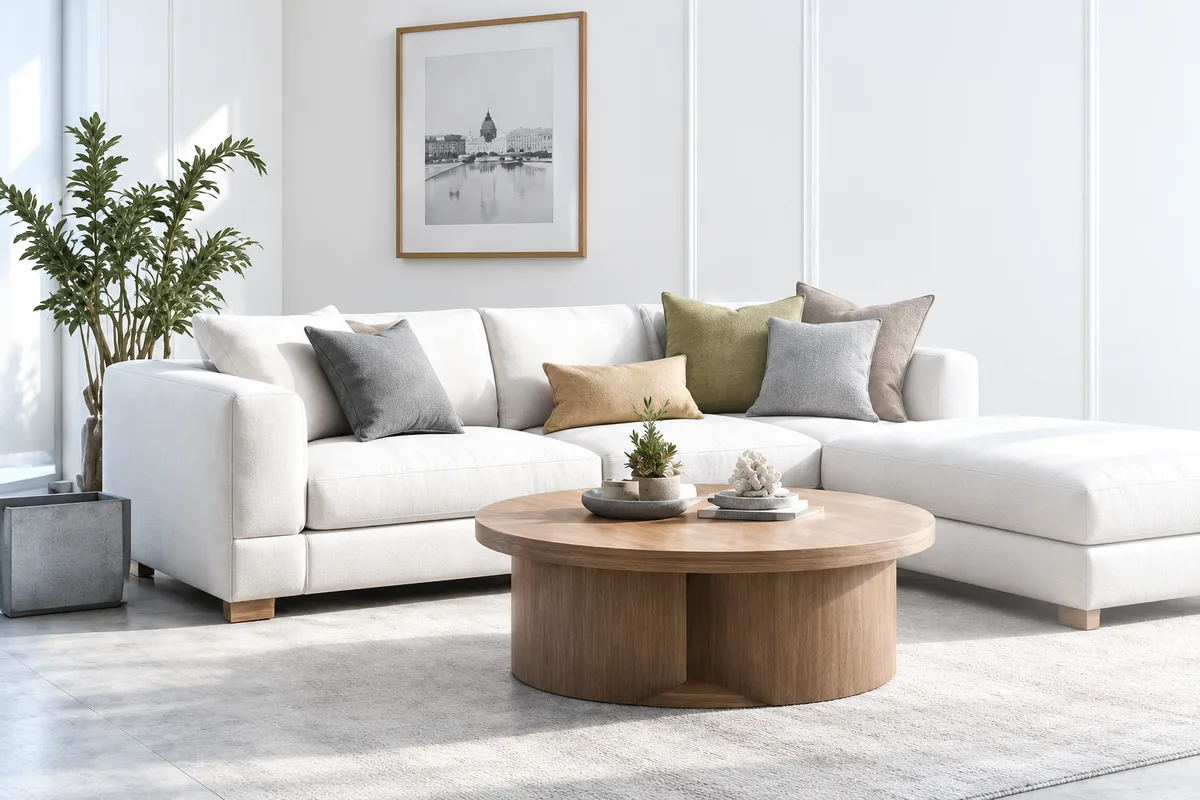
Real estate HDR, done right

HDR Merge

One exposure that looks like the room did.

Merge 1 to 9 bracketed exposures into a clean, natural interior image with open shadows, controlled highlights and true-to-life colour, without the crunchy tone-mapped look.

15 edits free. No card required.

  • Natural detailTrue-to-life results
  • Open shadowsSee the whole room
  • Native RAWMaximum quality
Real estate HDR merge before and after, bracketed exposure blend (before) Real estate HDR merge before and after, bracketed exposure blend (after)
Before After HDR
More detail. More natural. Every time.

What HDR Merge does

Open shadows

Dark corners stay visible, not crushed to black

Held highlights

Windows keep detail instead of blowing to white

Consistent sets

Frame one matches frame thirty

How it works

  1. Read the set

    1 to 9 brackets, grouped from EXIF timestamps

  2. Score every pixel

    On contrast, saturation and exposure

  3. Blend, don't tone-map

    Best pixels from your own frames

More before & after results

Different spaces. Same stunning results. See how HomeHDR brings out the natural beauty in every shot.

Living Room, before HDR Merge (Blend bracketed shots into one clean, balanced exposure.) Living Room, after HDR Merge
Before After HDR

Living Room

Brighter windows, natural colours, and perfect interior balance.

  • Natural light
  • True colours
  • More detail
Kitchen, before HDR Merge (Blend bracketed shots into one clean, balanced exposure.) Kitchen, after HDR Merge
Before After HDR

Kitchen

Balanced lighting, clean whites, and true-to-life tones.

  • Balanced light
  • Clean whites
  • Rich detail
Exterior (Twilight), before HDR Merge (Blend bracketed shots into one clean, balanced exposure.) Exterior (Twilight), after HDR Merge
Before After HDR

Exterior (Twilight)

More vibrant skies, clear details, and a natural, professional look.

  • Vibrant skies
  • Clear details
  • True-to-life

The difference

Most HDR tools

  • Build a light map, then tone-map down
  • Halos, ringing, grey flattened look
  • Convert RAW to JPEG first

HomeHDR

  • Skips tone mapping entirely
  • Nothing generated, nothing invented
  • Native RAW, full detail

Works with how you already shoot

  • 1 to 9 brackets
  • Tripod or handheld
  • No presets
  • Counts as one photo
  • Fast turnaround
  • Natural-looking output

FAQs

How many brackets per shot?

One to nine. Drop the whole card in and we sort them for you.

Do I need a tripod?

No. We line up handheld shots before merging.

Will it look fake or over-done?

No. You get a clean, natural photo, not that crunchy HDR look.

What if I don't like a result?

Send it back. Redoing it is always free.

What does one photo cost?

From $0.35 on a yearly plan, or $0.55 with no plan at all.

Try it on a listing you have already delivered

Run your own brackets through it and compare the result against the edit you sent.

Get started free

15 edits free. No card required.

Every other edit we make